

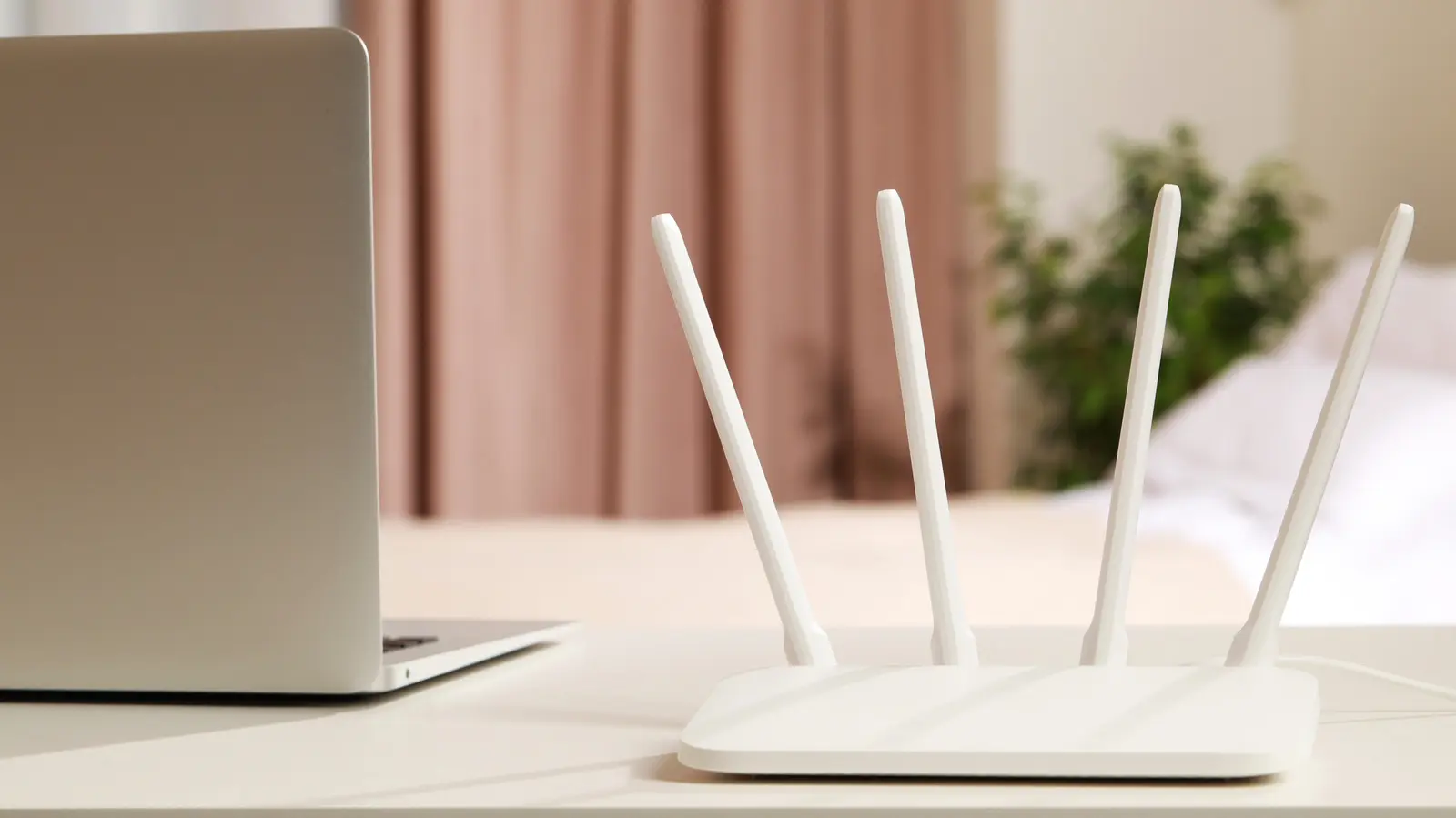
Modern Wi-Fi routers almost always support both the 2.4 GHz and 5 GHz frequency bands, often broadcasting them as separate network names (SSIDs). Many users simply connect to whichever network appears first, but this habit can lead to suboptimal performance. The 2.4 GHz band offers excellent range, penetrating walls and reaching distant corners of the home, but it is slower and more prone to interference from devices like microwaves and cordless phones. The 5 GHz band, while having a shorter effective range, provides significantly faster speeds and less congestion. For data-intensive activities such as streaming high-definition video, online gaming, video conferencing, and large file downloads, 5 GHz is the clear winner. This article highlights the five categories of devices that should always be connected to your 5 GHz Wi-Fi network to maximize performance.
Smartphones
It is no surprise that smartphones top the list. Modern smartphones are powerful media consumption hubs. Users stream video from platforms like YouTube, Netflix, and TikTok, participate in live broadcasts on Twitch or Instagram, play graphics-intensive mobile games, and rely on cloud-based apps for work and communication. All these activities benefit from the higher bandwidth and lower latency of 5 GHz Wi-Fi. For example, a 4K video stream on a 2.4 GHz network might buffer frequently if the connection is shared with other devices, whereas 5 GHz can handle multiple high-bandwidth streams simultaneously.
Mobile gamers, in particular, should prioritize 5 GHz because online gaming is extremely sensitive to latency (ping). A 2.4 GHz network often adds significant delay due to interference and channel sharing, which can mean the difference between victory and defeat in fast-paced titles like Call of Duty: Mobile or PUBG. Even simple tasks like loading social media feeds, sending messages, or browsing the web feel snappier on 5 GHz because the reduced latency reduces the wait time for data to travel to the server and back.
However, context matters. If your smartphone is far from the router, a weak 5 GHz signal will lead to frequent disconnections or slow speeds. In such cases, switching to the 2.4 GHz band is sensible. Many modern routers offer band steering, where a single SSID automatically directs devices to the optimal band. With band steering enabled, your phone can seamlessly switch to 2.4 GHz when 5 GHz signal strength drops, ensuring a stable connection without manual intervention.
Laptop Computers
Laptops are workhorses for many people, handling everything from email and web browsing to video conferencing, software development, and gaming. For laptops without an Ethernet port, Wi-Fi becomes the only way to access the internet. Connecting such laptops to the 5 GHz band is critical for maintaining productivity. Video calls on platforms like Zoom, Microsoft Teams, or Google Meet require stable upload speeds and low latency to avoid freezing or pixelation. The 5 GHz band provides a cleaner, faster channel that reduces the risk of dropped calls.
Additionally, laptops often run numerous background tasks that consume bandwidth: cloud drive synchronization (e.g., OneDrive, Google Drive), automatic operating system updates, antivirus updates, and AI-powered agents performing autonomous tasks. All these processes can strain a 2.4 GHz connection, leading to slowdowns. The higher throughput of 5 GHz ensures that even with multiple background activities, the user experience remains fluid. For creative professionals who work with large files in the cloud, such as video editors or 3D designers, the speed advantage of 5 GHz can save significant time.
Gaming laptops also benefit immensely. While many serious gamers prefer Ethernet for the lowest latency, 5 GHz Wi-Fi is a strong alternative when a wired connection is not possible. Modern gaming laptops are often used in various rooms, and maintaining a stable, low-latency connection on 5 GHz can improve online gameplay. The reduction in interference on the 5 GHz band (compared to the crowded 2.4 GHz space) also means that even with several devices sharing the network, gaming performance remains consistent.
Streaming Boxes and Smart TVs
Television has evolved from broadcast signals to internet-delivered content. Smart TVs and streaming devices like the Apple TV, Google TV Streamer, or Amazon Fire Stick are the primary means by which millions of households watch Netflix, Hulu, Disney+, and other services. Streaming 4K video consumes approximately 7 to 16 GB of data per hour, depending on the codec and platform. While 2.4 GHz can technically support a single 4K stream, it often struggles when multiple devices are active simultaneously or when the Wi-Fi environment is noisy.
Connecting these devices to the 5 GHz band ensures faster channel changes, quicker loading of high-resolution thumbnails, and more reliable buffering. For users who download shows for offline viewing (supported by many streaming apps), the download speed is significantly higher on 5 GHz, reducing the wait time. Furthermore, as more households adopt high-resolution audio formats like Dolby Atmos, the extra bandwidth of 5 GHz helps deliver lossless audio streams without dropouts.
Of course, if your streaming device is located far from the router, Ethernet is strongly recommended over any Wi-Fi connection. But if Ethernet is not feasible, 5 GHz provides the best wireless experience. In multi-story homes with thick walls, a mesh Wi-Fi system with a dedicated 5 GHz backhaul can extend coverage while maintaining high speeds.
Game Consoles
Modern game consoles such as the PlayStation 5, Xbox Series X|S, and Nintendo Switch (in docked mode) are among the most bandwidth-hungry devices in a home. Games now routinely exceed 100 GB, with some approaching 200 GB. Downloading such titles over a 2.4 GHz network can take hours or even days, while on a good 5 GHz connection the same download may complete in under an hour. The speed difference is dramatic when you consider file sizes and the fact that consoles often run background downloads while users play other games or use streaming apps.
Online gaming on consoles is also latency-sensitive. A stable 5 GHz connection reduces ping times, which is crucial for competitive multiplayer games like Fortnite, Overwatch 2, and Call of Duty. Additionally, because 2.4 GHz networks are often congested with many other household devices (smart lights, thermostats, etc.), the risk of packet loss and jitter increases. 5 GHz, being less crowded, provides a cleaner signal path for console traffic. For families with multiple gamers, connecting each console to 5 GHz can prevent bandwidth bottlenecks that cause lag or disconnections.
If a console is close enough to the router, using an Ethernet cable is even better. However, many consoles are placed in entertainment centers far from the router. In those cases, 5 GHz Wi-Fi is the next best choice. Some console owners may also use powerline adapters or MoCA (coaxial cable) adapters, but those introduce their own complexities. For simplicity and performance, 5 GHz remains a strong recommendation.
Smart Speakers
Smart speakers like the Amazon Echo, Google Nest Audio, and Apple HomePod are often perceived as low-bandwidth devices. After all, they primarily stream music and respond to voice commands. However, the quality of experience is heavily dependent on latency. When you ask a virtual assistant a question, your voice recording is sent to the cloud for processing, and the response must travel back. High latency on the network results in a noticeable delay before the assistant speaks. The 5 GHz band's lower latency can make interactions feel nearly instantaneous.
Moreover, some smart speakers support high-fidelity music streaming. For instance, the Amazon Echo Studio and Apple HomePod can play lossless audio, which requires a higher bitrate (up to 24-bit/192kHz to the speaker). While even a moderate internet connection can handle lossless streaming, the additional bandwidth of 5 GHz ensures that the audio stream is not interrupted by other network traffic. This is particularly important in homes where multiple people are streaming video, gaming, or video conferencing simultaneously.
Another point: smart speakers are often used in whole-home audio setups, where multiple speakers play in sync. Such multi-room systems rely on consistent network performance. The robust throughput and lower interference of 5 GHz help maintain synchronization and reduce audio dropouts. While 2.4 GHz can certainly work, those seeking the best possible performance from their smart speakers should prioritize the 5 GHz band. As with other devices, if the speaker is far from the router, 2.4 GHz serves as a fallback, but most users place smart speakers in living rooms or kitchens where signal strength is adequate for 5 GHz.
Source: SlashGear News