

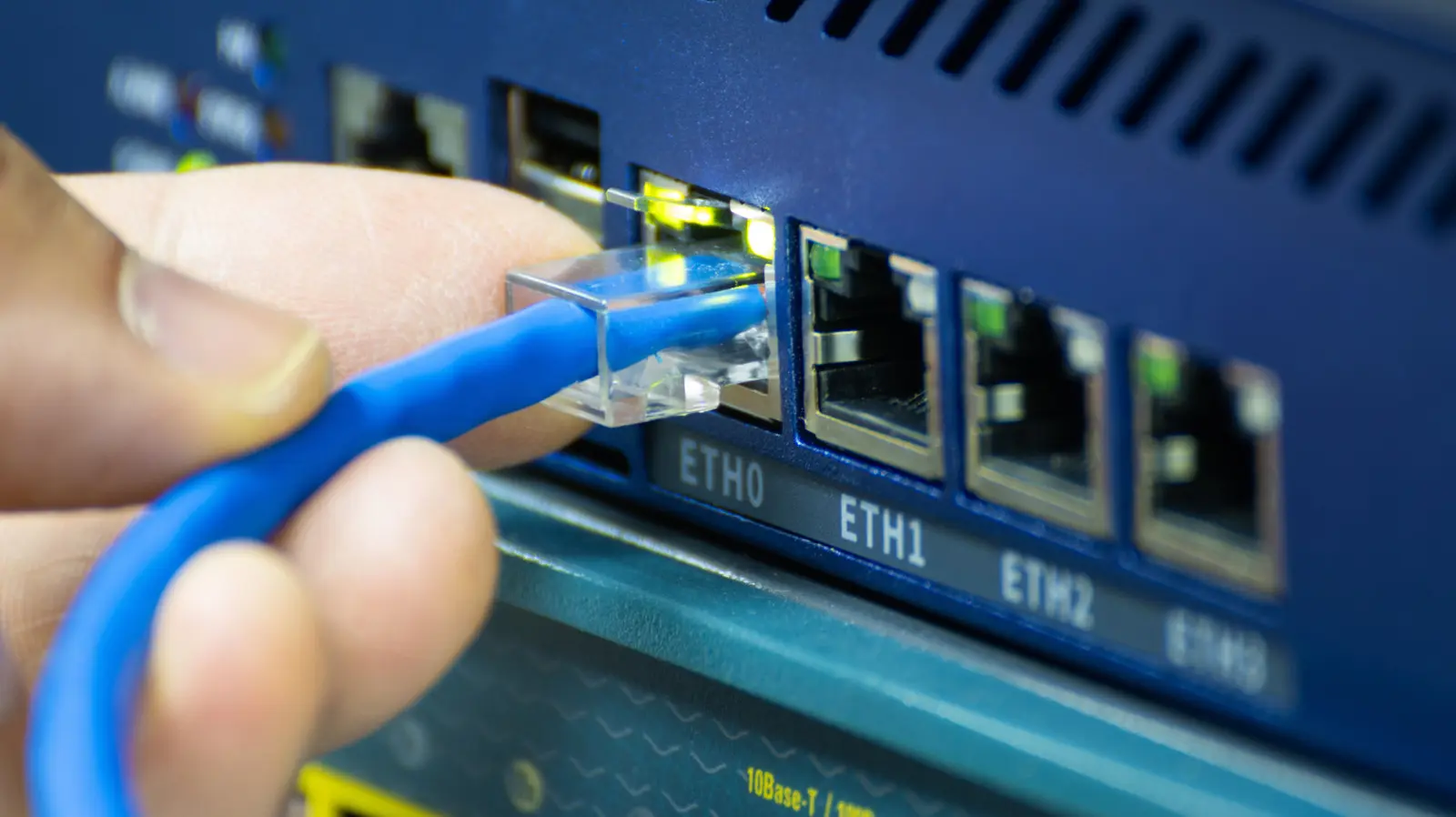
Many households rely on Wi-Fi extenders to eliminate dead zones and improve wireless coverage. However, simply plugging in an extender and placing it midway between the router and a weak signal area often fails to deliver a noticeable improvement. That's where the Ethernet port on most Wi-Fi extenders becomes a game-changer.
The Purpose of an Ethernet Port on a Wi-Fi Extender
Wi-Fi extenders, also called range extenders or repeaters, typically feature at least one Ethernet port. This port serves two primary functions. First, it can be used to create a wired backhaul connection between the extender and the main router. Instead of relying on the extender to pick up the router's wireless signal and then rebroadcast it, the extender connects directly via an Ethernet cable. This eliminates the inherent penalty of cutting wireless bandwidth in half that occurs with traditional wireless repeating.
When the extender uses a wired backhaul, it essentially functions as a wireless access point. The wired connection provides a stable, high-speed link to the router. The extender then broadcasts a strong Wi-Fi signal in the area where it is placed. This setup significantly reduces issues such as electrical interference from household appliances, signal attenuation caused by walls and floors, and congestion from neighboring networks. As a result, internet lag decreases and overall connection consistency improves.
Connecting Wired Devices via the Ethernet Port
The second use of the Ethernet port on a Wi-Fi extender is to provide wired connectivity to devices that lack built-in Wi-Fi capability. Many older desktop computers, smart TVs, gaming consoles like PlayStation 4 or Xbox One, and even some media streamers rely on Ethernet for network access. If these devices are located in a room with weak Wi-Fi, a wireless extender with an Ethernet port can bridge the gap. Simply connect the device to the extender's Ethernet port, and the extender communicates wirelessly (or via its own wired backhaul) with the main router.
However, it is important to note that if the extender itself is connected wirelessly to the router, any device attached to its Ethernet port will still suffer from the same signal degradation and half-bandwidth limitation. To get the best performance for wired devices, the extender should ideally be connected to the router via Ethernet in the first place, effectively creating a local wired network segment.
Wired vs. Wireless: Why Ethernet Matters
The most common complaint about using a Wi-Fi extender is that even with strong bars on the client device, internet speeds remain slow. This often happens because the wireless connection between the extender and the router is weak. Ethernet eliminates this bottleneck. A wired connection is immune to physical obstacles like concrete walls, metal studs, or large appliances that can block or severely degrade Wi-Fi signals. It also avoids interference from cordless phones, microwave ovens, and Bluetooth devices operating in the 2.4 GHz band.
Furthermore, Ethernet provides a dedicated point-to-point link with no contention from other wireless devices. In congested neighborhoods where dozens of Wi-Fi networks compete for the same channels, a wired backhaul can dramatically improve performance. For latency-sensitive applications such as online gaming, video conferencing, or streaming 4K content, the difference between a wireless-repeated signal and a wired-backhaul signal can be night and day.
When a Wi-Fi Extender Struggles Without Ethernet
If you do not use the Ethernet port on a Wi-Fi extender, the device must capture the existing wireless signal from the router, then rebroadcast it. This process inherently cuts the available bandwidth by about 50% (or more, depending on the extender's design and the environment). The extender must communicate with the router and with client devices on the same channel, effectively halving the airtime. As a result, even if the extender shows a strong signal to your devices, actual throughput may be significantly lower than what the router can deliver.
Additionally, the placement of the extender becomes critical. It must be within a good range of the router to receive a strong signal, but also close enough to the dead zone to extend coverage. Finding that sweet spot can be challenging, especially in large homes with irregular layouts. If the extender is placed too far from the router, it will rebroadcast a weak signal, offering no real benefit. If placed too close to the router, it doesn't extend coverage effectively.
Alternatives: Mesh Extenders and Full Mesh Systems
For users who cannot run Ethernet cables or who want a simpler setup, a mesh extender (also called a Wi-Fi booster or range extender with mesh technology) offers an alternative. Unlike traditional extenders that create a separate network (e.g., "MyWiFi_EXT"), a mesh extender shares the same SSID and password as the main router. Devices seamlessly roam between the router and extender without the need to manually switch networks. However, the performance still relies on wireless backhaul and may suffer from the same half-bandwidth limitation unless the mesh extender has a dedicated backhaul radio (tri-band) or uses a separate channel.
A more robust solution is a full Wi-Fi mesh system, such as systems from eero, Nest Wifi, or TP-Link Deco. These systems use multiple nodes that communicate with each other to create a single unified network. Each node can act as a router, extender, or satellite, and they intelligently route traffic based on signal strength and congestion. In many modern mesh systems, each node includes at least one Ethernet port, allowing wired backhaul between nodes for optimal performance. While typically more expensive than a single extender, a mesh system provides consistent coverage throughout large homes and eliminates the need for manual network switching.
Practical Tips for Using Your Extender's Ethernet Port
To maximize the benefits, here are some practical recommendations:
- Place the extender near the router if you plan to use its Ethernet port for wired backhaul. Run a long Ethernet cable from the router to the extender, then position the extender in the area where you need better Wi-Fi. This is ideal for homes with attics, basements, or garages where wiring is feasible.
- Use powerline adapters if running Ethernet cables through walls is not possible. A powerline adapter sends network signals through your home's electrical wiring. Connect one adapter near the router and another near the extender, then use short Ethernet cables to connect both. The extender then receives a wired-like connection over powerline.
- For wired devices like a Smart TV or gaming console, you can plug them directly into the extender's Ethernet port. Make sure the extender itself is in a location with good wireless signal (or has a wired backhaul). Test speeds to see if the wired connection is faster than using Wi-Fi directly on those devices.
- Update firmware regularly. Extender manufacturers often release updates that improve stability and performance. Check the web interface or app for updates.
Future Trends: Wi-Fi 6 and Wired Backhaul
With the advent of Wi-Fi 6 (802.11ax) and the upcoming Wi-Fi 7, extenders and mesh nodes are becoming more capable. Wi-Fi 6 offers higher throughput, better handling of multiple devices, and improved efficiency in crowded environments. Many Wi-Fi 6 extenders still include Ethernet ports, and the combination of a wired backhaul with Wi-Fi 6 technology can deliver near-gigabit speeds to the farthest corners of a home. Some high-end mesh systems already support 2.5 GbE or even 10 GbE ports for exceptionally fast wired connections between nodes.
Moreover, the trend toward smart homes with numerous IoT devices increases the importance of a wired backbone. Even if sensors and smart bulbs use Zigbee or Z-Wave, streaming cameras and voice assistants benefit from stable, wired connections to the router. Using a Wi-Fi extender's Ethernet port as part of an overall home network strategy ensures that bandwidth-hungry devices get the performance they need while wireless extenders handle lighter traffic.
Ultimately, the Ethernet port on a Wi-Fi extender is not just a secondary feature—it is a powerful tool that can transform a mediocre extender into a high-performance access point. By understanding its uses and limitations, you can make an informed decision about whether a wired backhaul is right for your home, or whether a mesh system might be a better long-term investment.
Source: SlashGear News