

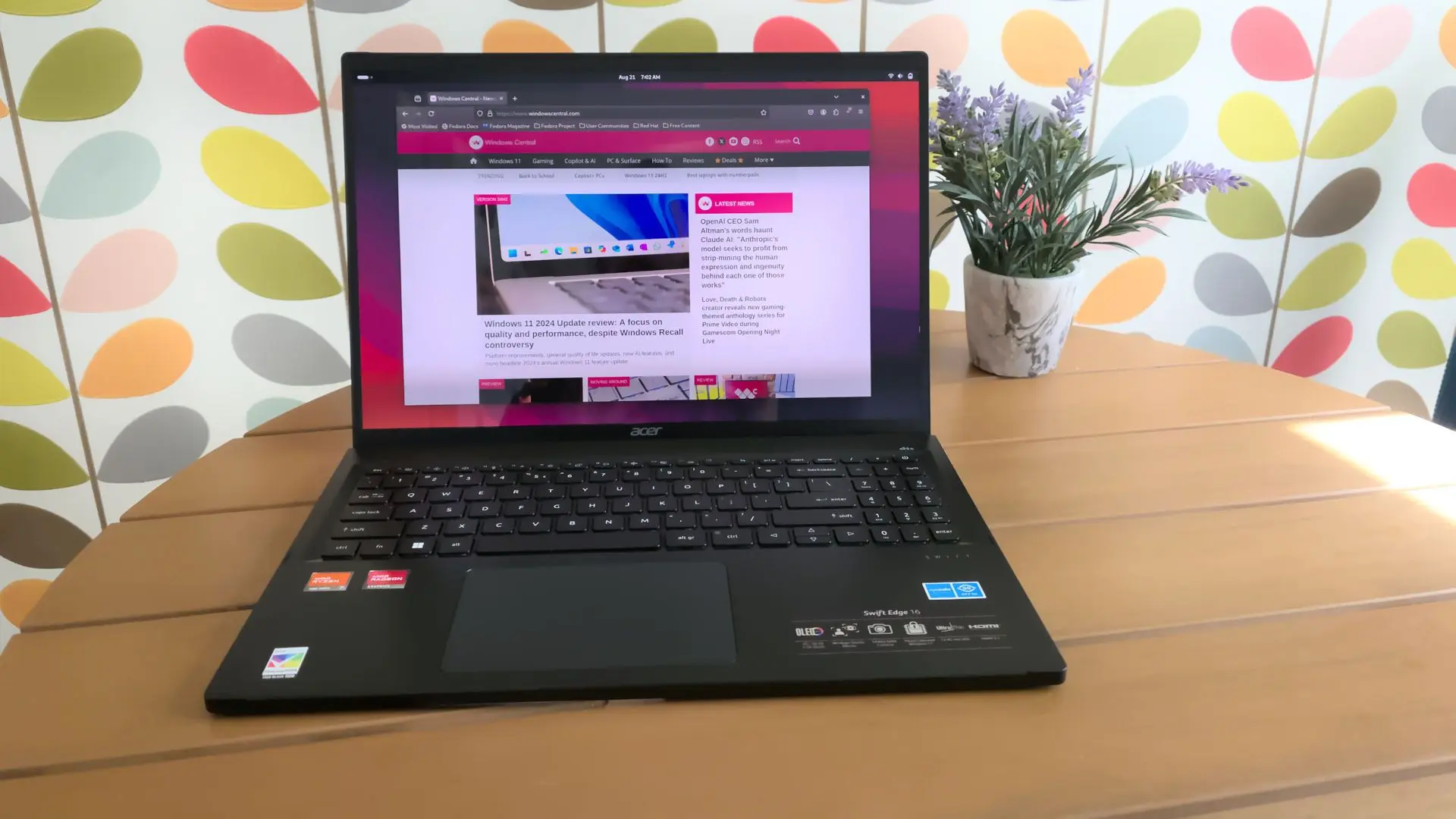
Linux users have been waiting a long time for a proper desktop client for Microsoft's Copilot. While Windows and macOS users have enjoyed a native experience since the assistant became widely available, Linux was left out. Microsoft never shipped an official Copilot app for the open-source operating system, despite frequent community requests. That finally changed — not because Microsoft decided to support Linux, but because a talented third-party developer built one themselves. It's called simply "Copilot", and it is quickly gaining attention.
A gap in the ecosystem
Since Microsoft unveiled Copilot as a replacement for Cortana, the assistant has been integrated into Windows, Edge, and the mobile Bing app. On the desktop, native apps arrived for Windows and macOS, offering a dedicated window, keyboard shortcuts, and system tray presence. Linux users, however, were forced to rely on the browser or unofficial web wrappers. That workaround was never ideal: no global push-to-talk, no deep link handling, no proper window management. It felt like a second-class experience.
The issue was not that Linux is an impossible platform to target. Many cross-platform frameworks, from Electron to Tauri, make it straightforward to deliver a desktop app for all major operating systems. Yet Microsoft showed no interest in extending Copilot's native reach to Linux, likely due to the small desktop share and the company's long-standing focus on Windows. This left a void that the open-source community often fills when big vendors ignore a segment.
A third-party solution arrives
The new app, developed by an independent open-source contributor, is built with Tauri, a lightweight framework that combines a web front end with a Rust backend. It is not a simple web page in a window; it integrates deeply with the Linux desktop. Users can summon the assistant with a global hotkey, launch it from the system tray, and even open it via custom URI schemes. The app respects the system's light and dark themes and supports smooth resizing across multiple monitors.
According to the developer's notes, the app uses the same API endpoints as the official web version. That means features like chat history, voice input, and image generation are preserved. There is no need to maintain a separate subscription or pay extra; the same Microsoft 365 or free account works as expected. The only requirement is a stable internet connection, just like the web client.
Installation and packaging
One of the biggest hurdles for Linux software is the wide range of distributions. The developer addressed this by offering multiple package formats from the outset. Users can download an AppImage for portable use, a .deb file for Debian and Ubuntu, a .rpm file for Fedora and openSUSE, and a Flatpak for those who prefer sandboxed apps. A community-maintained AUR package for Arch Linux is already available as well.
Installation is straightforward. For the AppImage, users simply need to make the file executable and run it. The .deb and .rpm files install via the standard package managers, creating a desktop entry and a tray icon. The Flatpak version is distributed through Flathub, though it required a few extra permissions to enable global shortcuts. Early users report that the entire setup takes less than five minutes, even on a fresh system.
Feature set and user experience
The app's interface is clean and familiar. It shows a sidebar with recent conversations, a main chat area, and a text input box with a microphone icon. The default window size is reasonable, and the layout adapts well to small screens. The global hotkey defaults to Ctrl+Alt+Space, but it can be changed in the settings file. A tray icon shows signal status and can be clicked to open or hide the window.
Voice input works through the system's microphone settings, and the app requests access only when the user first tries to use it. Image generation uses DALL-E inside Copilot, and the results are displayed inline. The app also supports markdown rendering, code blocks with syntax highlighting, and copy buttons for easy sharing. For developers and power users, these features make the app much more convenient than a browser tab.
Another notable feature is the ability to take screenshots and attach them directly to a conversation. The app supports middle-click paste from the clipboard, which seems a small thing but makes a difference in daily workflow. There is also a built-in text scaling option for users with high-DPI displays. All of these details show that the developer understands Linux desktop conventions.
Performance and resource usage
Because Tauri uses the system's native webview engine (WebKitGTK on most distros), the app is significantly lighter than Electron-based alternatives. Memory usage sits at around 150MB during a long chat session, and the idle footprint is close to 80MB. That is a far cry from a full Chromium wrapper, which can consume more than 500MB. On a typical modern machine, the app runs smoothly and does not introduce noticeable lag when switching between windows.
Startup time is also fast. The app launches in under two seconds on an older Intel laptop, and the main window is responsive immediately. The developer claims that the Rust backend contributes to this low overhead, and that no JavaScript heavy frameworks were used in the front end. The only minor issue reported is a slight delay when resuming from suspend, but that seems to be related to the webview cache.
Security and privacy considerations
Since the app is not an official Microsoft product, some users have raised questions about security. The developer maintains that no data passes through their own servers. The app connects directly to Microsoft's endpoints, and authentication is handled via OAuth with a user-agent that matches the official web client. There is no telemetry in the app itself, and no analytics framework is bundled. The source code is available for inspection, which adds a layer of transparency that closed-source apps cannot offer.
For those who are extra cautious, the Flatpak version runs in a sandbox, isolating the app from the rest of the system. Permissions can be restricted even further, such as disabling network access except to login.microsoftonline.com and copilot.microsoft.com. The app also stores cached data locally in the user's home directory, and deleting it removes all traces of conversations. This is a more privacy-friendly setup than what most proprietary apps provide.
Community reaction and adoption
The Linux community has responded with enthusiasm. Within days of the initial release, the GitHub repository received hundreds of stars and dozens of issue reports, many of them feature requests. Users have already submitted pull requests for localization, including German, French, Spanish, and Japanese. A small team of maintainers has formed to help review contributions, and the project is now under a permissive open-source license.
For many users, this app is the final piece in their Linux desktop puzzle. They no longer need to keep a browser window open just to access Copilot. The app also integrates with system tray notifications, so users can receive updates when a long-running task completes. Students and professionals who rely on Copilot for writing, coding, or research find it a welcome productivity boost.
There are, of course, some critics. A few users point out that the app is still in beta and may break when Microsoft changes its web API. Others argue that using a non-official app risks violating Microsoft's terms of service, though the developer says they have not received any cease-and-desist order. The broader consensus is that this is a benign wrapper, similar to many third-party clients for services like WhatsApp and Slack that have existed for years.
What this means for Microsoft
This situation puts Microsoft in an interesting position. On one hand, the company has nothing to lose from a free app that encourages more people to use its AI assistant. On the other hand, an unofficial app may not adhere to Microsoft's security and accessibility standards. Microsoft has not yet commented on this particular project, but history suggests that big companies often wait before acknowledging community-driven efforts.
There is precedent for Microsoft embracing community projects. The Windows Terminal was partly inspired by open-source terminals. The PowerShell team adopted many community suggestions. And the recent push to bring more Linux tools to Windows suggests a broader appreciation for cross-platform development. It is not impossible that Microsoft will eventually release an official Linux Copilot app, but that could take a long time. In the meantime, this third-party app fills the gap admirably.
Looking ahead
The developer has published a roadmap for the next few months. Plans include a plug-in system for custom commands, support for Wayland's global shortcuts without XWayland, and an optional portable mode that stores settings on a USB drive. There are also discussions about adding local LLM integration, which would allow offline use through Ollama or llama.cpp. If those features materialize, the app could evolve from a simple wrapper into a true universal AI client.
For now, Linux users are simply happy to have a real Copilot app that feels native. It is fast, looks good, and respects the desktop. It is a reminder that when a platform is ignored by a major vendor, the open-source community often steps up. This app may not be perfect, but it is a solid foundation. As more users test it and report bugs, the quality will only improve. The future of Copilot on Linux looks brighter than ever, even if Microsoft had little to do with it.
Source: Windows Central News