

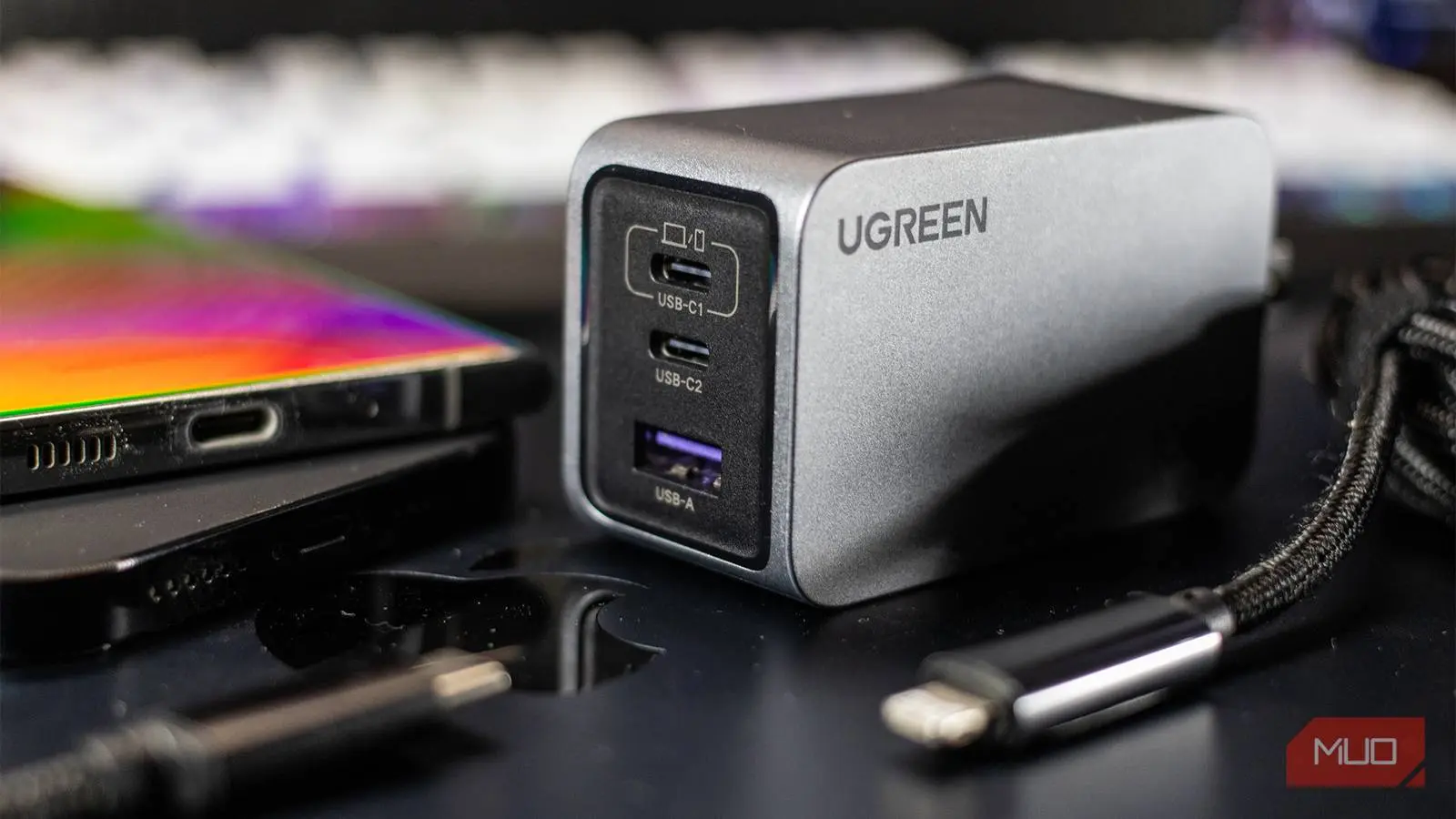
Buying a phone charger used to be a complete non-event. Handsets shipped with a charger in the box, and the only real choice was USB-A versus USB-C. Those days are long gone, and so is that simplicity. Today, charger packaging is packed with acronyms and wattage numbers that can make a simple purchase feel like a research project.
If you have ever stood in an aisle or scrolled through listings while trying to figure out what differentiates one wall plug from another, you are not alone. Terms like PD, PPS, QC, and GaN appear on adapters from every price range. The good news is that each term is not difficult to understand once it is broken down. Here is a plain-English look at what those labels mean and how you can apply them to your next charger purchase.
Why Charger Shopping Has Become So Confusing
Technology has moved phone charging far beyond the old days of a fixed 5-watt output. Modern devices support rapid charging techniques that depend on communication between the charger and the phone. A charger can no longer be treated as a simple dumb accessory; it needs to be able to tailor its output to the device on the other end of the cable.
This is why almost any charger will technically power your phone, yet many chargers will not deliver the charging experience that your handset is capable of. A five-year-old 5W brick will still add charge to a current smartphone. However, it might take hours to deliver a meaningful amount of power. The difference between "works" and "works correctly" has never been more important.
Part of the confusion is also caused by the industry's fragmented approach to fast charging. Different phone makers and chipset manufacturers have created their own protocols, and those protocols are not always interchangeable. Even though USB-C has become the common connector, the language of charging remains divided.
USB PD, PPS, QC, and GaN: What These Terms Mean
USB Power Delivery (USB PD)
USB Power Delivery, commonly shortened to USB PD, is an open charging standard that defines how a charger and a device negotiate power. Instead of sending a fixed voltage, a USB PD charger can communicate with your phone to agree on a safe voltage and current combination. This negotiation happens automatically in milliseconds, and it is how one charger can efficiently power a phone, a tablet, a laptop, or a pair of wireless earbuds without delivering too much power.
Most modern Android phones support USB PD, and Apple's newer iPhones also support it. Because the standard is so widely adopted, a USB PD charger is often the safest recommendation for someone who wants one brick that works with multiple gadgets.
Programmable Power Supply (PPS)
Programmable Power Supply, or PPS, is a feature built on top of USB PD. It takes the negotiation process a step further by allowing voltage to be adjusted in very small, continuous increments rather than only in fixed steps. This means the charger can more precisely match the phone's ever-changing power needs as the battery fills.
The practical benefit is lower heat and better efficiency. Heat is one of the leading stressors for lithium-ion batteries, so a charger that reduces heat can help preserve long-term battery health. PPS is particularly important for Samsung, Google, and other brands whose fast charging speeds depend on PPS support. If a phone specifies PPS as a requirement for its maximum charging speed, a standard PD charger without PPS will charge it more slowly than advertised.
Qualcomm Quick Charge (QC)
Qualcomm Quick Charge, abbreviated QC, is a proprietary fast-charging technology. It has existed for over a decade and appears in many devices that use Snapdragon processors. Different versions of Quick Charge exist, and later versions offer progressively higher power output. The protocol is also licensable, so some devices with non-Snapdragon chips can support it as well.
Quick Charge is not a universal standard, and compatibility matters more than the version number. A charger that supports Quick Charge 3.0 might not deliver the same performance to a phone designed for Quick Charge 4 or 5. You should check both the charger's labels and your phone's specifications before assuming that a QC charger will give you maximum speed.
Proprietary Phone Protocols
On top of QC, several phone makers have their own fast-charging standards. OPPO's SuperVOOC, OnePlus's Warp Charging, and Motorola's TurboPower are all examples. These protocols often require a compatible charger, and sometimes a compatible cable, to unlock the full advertised speed. If you use a different charger, your phone will likely charge using a generic fallback speed instead of the headline wattage.
This is why you cannot simply assume that a 65W charger will fast charge every phone at 65W. The phone must support the charger's protocol, and the charger must support the phone's protocol. Matching the right pieces of technology together is essential.
Gallium Nitride (GaN)
Gallium Nitride, or GaN, is not a charging protocol. It refers to the semiconductor material used in the charger itself. Traditional chargers use silicon components, while GaN chargers use a newer material that is more efficient at conducting electricity. The result is a charger that produces less wasted heat and can be built in a much smaller package for the same amount of power output.
For example, a 65W GaN charger can be barely larger than an older 20W silicon charger. This makes GaN especially attractive for travelers and anyone who wants a compact charging setup. When you see GaN on a charger, it is a positive sign, but it does not tell you anything about compatibility with your phone. GaN is simply a better way to build the hardware; the charging protocol is still determined by PD, PPS, QC, or another standard.
More Watts Do Not Always Mean Faster Charging
One of the biggest mistakes that buyers make is chasing the largest wattage number. Wattage is a measure of maximum power, but your phone will never accept more than its own designed charging limit. If your phone tops out at 25W, a 65W charger will charge it at the same speed as a 25W charger. The extra capacity is simply wasted for that device.
Before buying a charger, it is worth checking your phone's official specifications to find its maximum charging wattage. Once you know that number, you can purchase a charger that matches it. There is nothing wrong with buying a charger with more wattage than your phone needs if you plan to use it for a laptop or another device, but do not expect your phone to charge any faster because of the extra headroom.
Multi-Port Chargers Split Their Output
The wattage printed on a charger's box also does not apply to every port at the same time in most cases. If a charger advertises 65W and has two USB-C ports, it might deliver 65W when only one port is used. Plug in a second device, and the available power is shared between the two. The exact split varies by model, so you need to read the fine print to understand how the charger behaves.
If you plan to charge a laptop and a phone simultaneously from one wall adapter, make sure the charger can deliver enough power to the laptop port while still providing a usable charge to the phone. This is where the terms "dynamic power distribution" and "smart power allocation" often appear in product listings.
The Cable Matters Just as Much
Even the best charger will not help if your cable is the weak link. Cables are rated for different levels of current and data transfer, and not all USB-C cables can handle the same power. A phone and charger might both support 65W, but a cable that is only designed for 15W will prevent the phone from drawing anywhere near that amount.
Most devices still include a compatible cable in the box, but that does not help when you need a spare for your office, car, or travel bag. Do not grab a random USB-C cable from a drawer and expect it to deliver maximum speed. Look for cables that explicitly state their power rating and, ideally, one that supports the charging standard used by your phone.
The quality of the cable matters for safety as well as speed. A poorly made cable can overheat or fail to communicate properly with the charger. It might cause intermittent charging or, in rare cases, damage the charging port. For that reason, it is wise to choose cables from established manufacturers rather than unlabeled bulk packs.
Stick With Reputable Brands
When you look at chargers and cables, you will see a wide range of prices. There are no-name adapters that claim to match the specifications of premium chargers at a fraction of the cost. While saving money is always attractive, there are hidden risks with these products. Charging components involve safety features like over-current protection, over-voltage protection, and temperature monitoring. Budget sellers sometimes omit these protections to cut costs.
Sticking with reputable brands gives you more confidence that the product will perform as described and that it will not create a safety hazard in your home. It is not necessary to buy the most expensive option, but it is important to buy from a company with a track record of making safe, reliable charging products.
Once you understand what these acronyms mean, the process of choosing a charger becomes much easier. Check the charging protocol your phone supports, look for a charger that matches it, pay attention to the cable, and buy from a trusted source. With those basics covered, you will never again waste money on a charger that does not actually work the way you expected.
Source: MakeUseOf News