

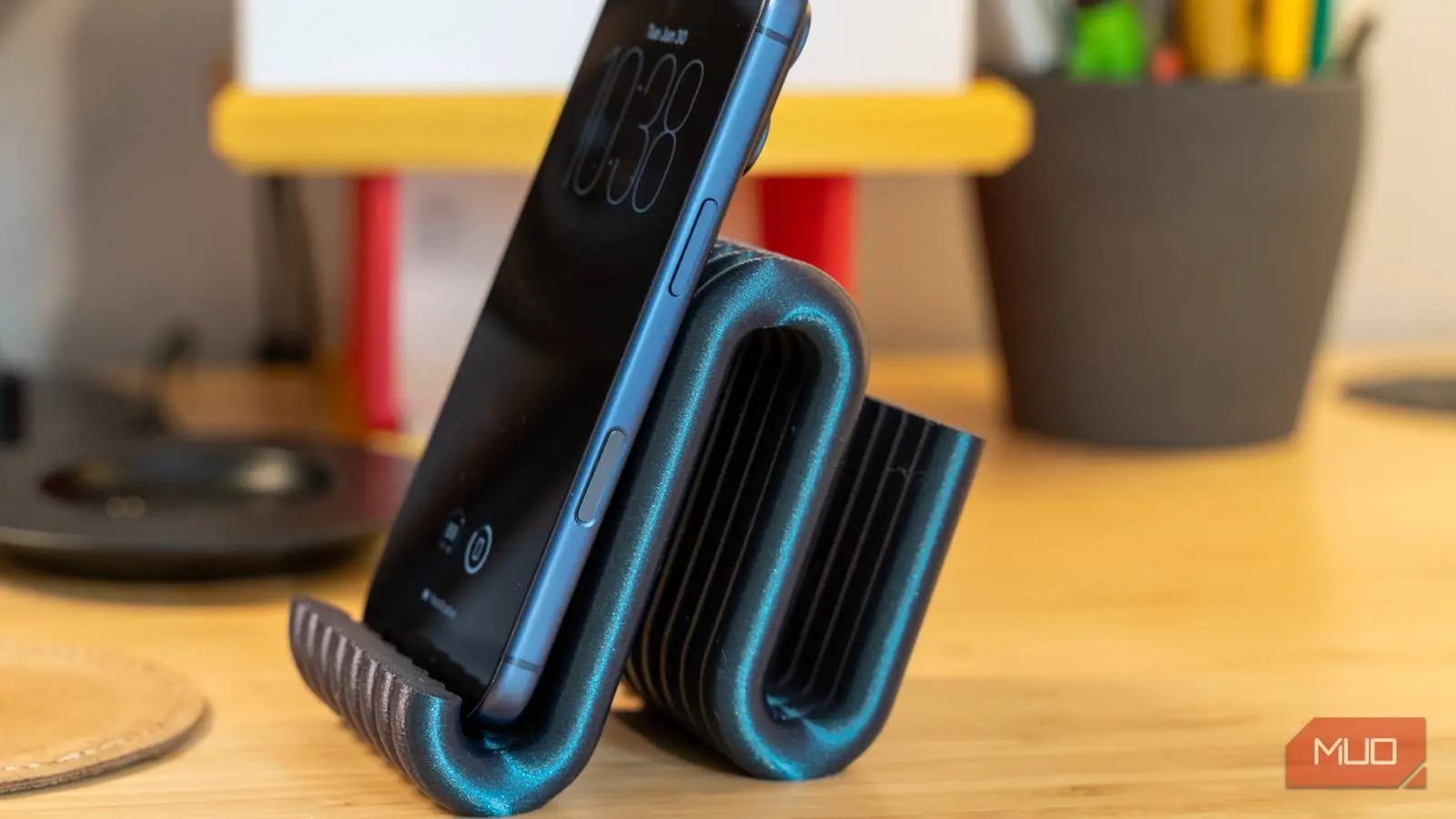
A phone stand seems like the most pointless thing to spend money on twice, yet most of us keep doing it. Every time a model changes or a stand cracks, you're back on a marketplace scrolling through plastic blocks for $15 plus shipping. The machines and the files needed to make this stuff yourself have gotten so cheap and so available that buying another stand doesn't make sense. The cost of getting started has dropped dramatically, making it easier than ever to have a little factory right in your living room.
A decent beginner-friendly FDM printer, which uses melted plastic filament, usually runs between $150 and $500. Many libraries now offer 3D printers for rent, which can be a low-cost way to test the waters. Even entry-level printers come with features like auto bed leveling and fast print speeds that were once only found on machines costing thousands of dollars. If you plan to use it regularly, buying a printer might feel like an unnecessary splurge at first, but once you do the math comparing material costs to retail prices, it starts to make a lot more sense.
The Cost Reality of 3D Printing
PLA filament, the go-to for beginners, usually costs $20 to $30 per kilogram. Break that down, and you're looking at about two to three cents per gram. A typical phone stand uses 15 to 30 grams of filament, meaning material costs drop to just 30 to 50 cents per stand. Compare that to stores charging $20 to $30 for the same basic plastic item, and you're skipping markups that can run as high as 4,000%. Electricity costs to run the printer are negligible, often less than a dime per print. So once you're making your own parts for fifty cents to five dollars a pop, the printer pays for itself after just a few items you would have otherwise bought at full price.
For example, a popular Amazon phone stand might cost $15. Printing the same design at home uses about 25 grams of PLA, costing roughly $0.75. After printing just 20 stands, you've saved enough to cover the cost of a $300 printer. And that's before factoring in that you can print as many as you want, customized for any device or purpose.
Finding and Printing Designs
Going from nothing to a custom-made phone stand sitting on your desk is surprisingly simple. The internet is filled with free 3D model repositories. Websites like Thingiverse, Printables, and search engines like Yeggi host thousands of free designs for virtually every device and use case. You don't need to know CAD software or how to design things yourself. Just search for what you want, like a dual-angle desk stand, a car dashboard mount, or a nightstand charging dock with built-in cable routing.
Many designs are surprisingly clever. Some print fully assembled and fold open right off the print bed, requiring no extra work. Once you find a file, you download it in STL format. That file must then go through a process called slicing, which converts the 3D model into instructions your printer can follow. This is done with slicing software like Cura or PrusaSlicer. The software slices the model into hundreds of thin layers, like a loaf of bread, and generates G-code, the set of commands that control the printer's movements, temperatures, and fan speeds.
Within the slicer, you can adjust key settings. For a phone stand, you don't need it solid all the way through. Set the infill between 10% and 30% using a pattern like gyroid or cubic. This leaves air gaps inside that still hold up structurally while saving plastic and print time. To ensure the exterior is durable, set two or three outer wall layers (shells) so the outside is sturdy even if the inside is mostly hollow. The slicer also estimates print time. Phone stands are small, usually weighing 15 to 30 grams, and most printers can complete one in under an hour once everything is dialed in.
Choosing the Right Filament
The plastic you choose makes a big difference. PLA is the go-to for beginners because it's forgiving to print with and strong under tension, but it is brittle and begins to soften around 130°F (55°C). If you print a phone mount in PLA and leave it in a hot car, it will likely warp or deform. For tougher applications, move to PETG, which holds up better to impacts and has some flexibility, or ABS, which excels in heat resistance but is prone to warping during printing due to shrinkage as it cools.
PETG prints at slightly higher temperatures than PLA and requires a build surface that holds well, such as a smooth PEI sheet or glass with glue stick. ABS demands an enclosure to maintain stable temperatures and prevent drafts, which cause warping. For phone stands that stay indoors at room temperature, PLA is perfectly adequate, but if you want longevity in varying conditions, PETG is a better choice. Each material has a learning curve, but the savings remain enormous compared to retail stands.
Troubleshooting Common Issues
Warping is one of the most frustrating problems beginners face. As a layer cools, it shrinks unevenly, pulling the corners of your print up off the build plate. If the first layer doesn't adhere properly, the entire print is doomed. To avoid this, you must dial in your printer's calibration. The Z-offset controls how firmly the nozzle presses the first layer onto the bed—get it right, and subsequent layers stick. Keep the build plate clean: wash it with dish soap and wipe it down with isopropyl alcohol to remove any oils that interfere with adhesion.
In your slicer settings, turn off the cooling fan for the first few layers so the plastic has time to settle and adhere before air hits it. Use a brim or raft for models with small footprints to increase the surface area contacting the bed. If you're still having trouble, consider adding a textured PEI sheet or using a adhesive like a glue stick or hairspray. Patience is key—you'll likely ruin a few prints learning these nuances, but the cost of wasted filament is far less than buying from a store.
None of this works without some patience. You'll waste a print or two figuring out bed adhesion, and PLA won't survive a hot car no matter how careful you are with your settings. If you want something that withstands real heat or impact, you're looking at PETG or ABS, both of which come with their own calibration headaches. For something you'll replace or redesign more than once, though, that math is hard to argue with. The ability to print custom accessories—not just phone stands but also tablet holders, cable organizers, gaming grips, and more—means the printer becomes a tool for endless personalization, all at a fraction of store prices.
Source: MakeUseOf News