

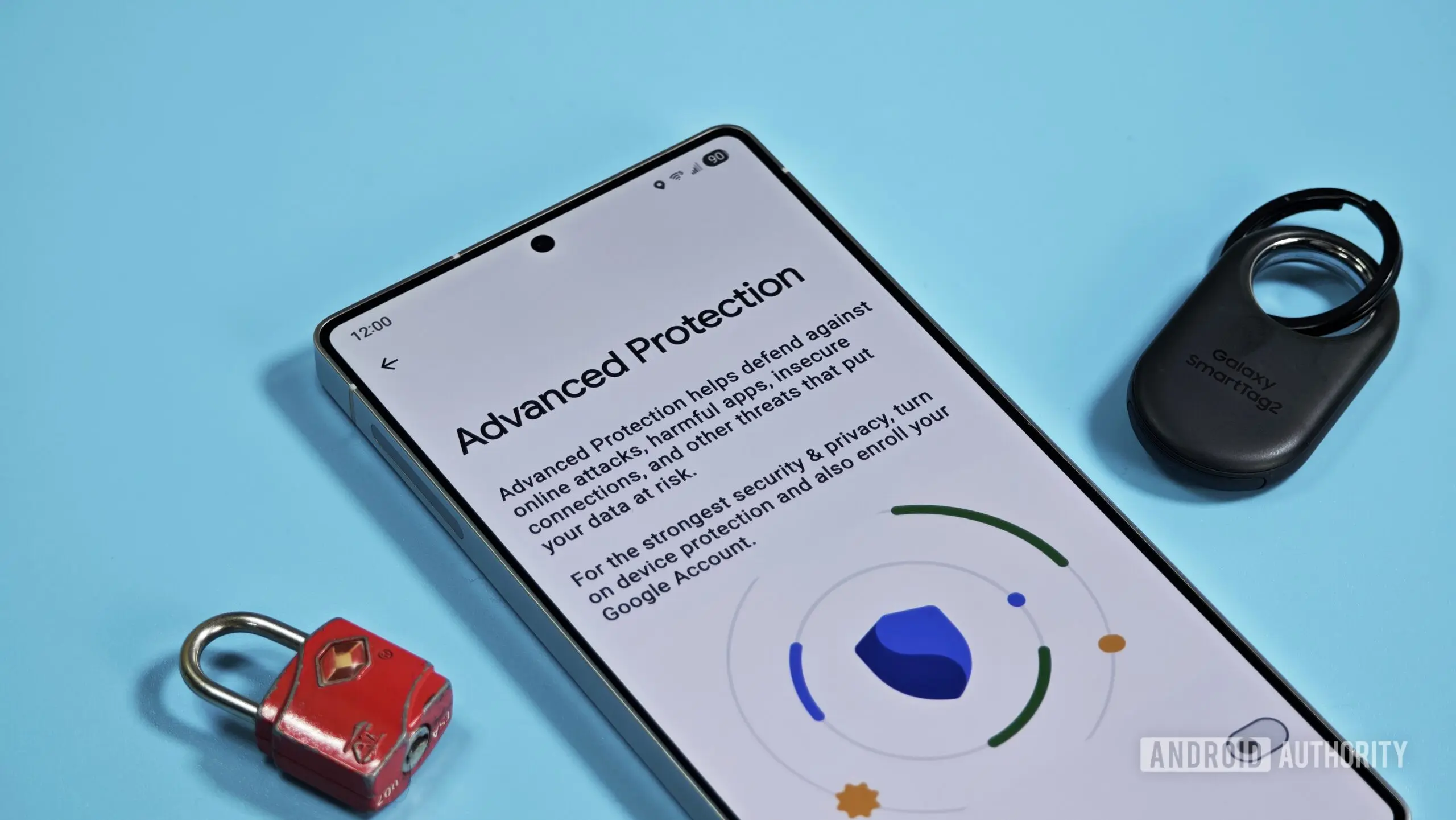
Google is preparing to make its Advanced Protection feature on Android more user-friendly by introducing a temporary pause option. According to evidence found in the latest Google Play Services update (version 26.30.31), the company is testing a way for users to pause Advanced Protection for three hours before it automatically reactivates. This change is expected to streamline tasks like sideloading apps, which currently require users to fully disable the security suite and then remember to turn it back on manually.
Advanced Protection is Google's highest tier of security for Android devices. It is designed for individuals who face elevated risks of targeted cyberattacks, such as journalists, activists, politicians, and corporate executives. Instead of allowing granular control over individual security settings, Advanced Protection bundles multiple protections into a single toggle. These include strict restrictions on app installations, enhanced Google Play Protect scanning, and limitations on third-party access to device features. While this approach significantly improves security, it also introduces trade-offs that can frustrate everyday usage.
Understanding Advanced Protection and Its Current Limitations
Currently, to sideload an app—install it from outside the Google Play Store—users must disable Advanced Protection entirely. This is because the feature blocks installation from unknown sources by default, even when the user manually enables the 'Install unknown apps' permission. After completing the sideload, the user must then navigate back to the settings menu to re-enable Advanced Protection. If they forget, their device remains unprotected until they remember to turn it on again. This creates a vulnerability window that could be exploited by malicious actors.
The upcoming temporary pause feature aims to close that gap. When a user attempts to turn off Advanced Protection, a dialog will appear explaining that pausing will turn off device protection features for three hours, after which they will automatically turn back on. This ensures that even if the user gets distracted or forgets, their device will regain full security status within a reasonable timeframe. Unlike Google Play Protect's app scanning pause, which can last until the next day, Advanced Protection's three-hour limit is designed to minimize exposure.
Teardown Details and Feature Implementation
The feature was discovered by analyzing the code of Google Play Services version 26.30.31. Enabling the hidden flags allowed testers to see the new dialog and functionality in action. The code indicates that the pause duration is hardcoded to three hours, although it remains possible that Google may adjust this in future updates. The dialog also includes a clear warning that all device protection features will be turned off during the pause, including real-time scanning, app verification, and restricted settings.
It is important to note that this feature is still in development and may change before public release. APK teardowns do not guarantee that a feature will ship, but they provide strong indications of Google's intentions. Given the timing and the broader context of Android security changes, it seems likely that the temporary pause will be released before or alongside the new sideloading restrictions.
Broader Implications for Sideloading and Security
The introduction of a temporary pause for Advanced Protection comes as Google continues to tighten sideloading policies. The company recently announced a new developer verification system that will introduce user-facing protections starting September 30, 2026, with global expansion in 2027. Under this system, apps from unverified developers will face additional security checks and prompts during installation. Although sideloading will remain possible, the process will become more cumbersome for users who attempt to install apps from unknown sources.
These changes are part of Google's broader effort to combat malware and fraud on Android. Sideloading has historically been a vector for malicious apps that bypass Play Store protections. By implementing stricter verification and enhancing Advanced Protection, Google aims to reduce the risk without completely eliminating the flexibility that power users value. The temporary pause feature strikes a balance by allowing advanced users to perform necessary tasks while ensuring they don't inadvertently leave their devices vulnerable.
How the Feature Will Benefit Different User Groups
While sideloading is the most obvious use case for the pause feature, it could also be useful for other scenarios. For example, enterprise users may need to temporarily disable Advanced Protection to install internal corporate apps that aren't distributed through the Play Store. Developers testing beta software or debugging applications might also find the pause helpful when Advanced Protection interferes with their workflows. Additionally, users who need to open certain links or run specific troubleshooting tools that require relaxed security settings will appreciate not having to remember to re-enable the feature.
It is also worth noting that Advanced Protection is separate from Google Play Protect, which is enabled by default on all Android devices. Play Protect offers app scanning and malware detection at a baseline level, whereas Advanced Protection is an opt-in security mode for high-risk users. The temporary pause for Advanced Protection does not affect Play Protect's functionality, so baseline security remains during the pause. However, the enhanced protections that Advanced Protection provides—such as blocking non-Play Store installations and restricting third-party interactions—will be suspended.
Historical Context of Advanced Protection on Android
Google launched Advanced Protection for Android in 2023, following the success of the same program for Google Accounts. The Android version extended many of the same principles to the device level, including restricting access to USB debugging, preventing app installation from unknown sources, and limiting the use of accessibility services. The feature was welcomed by security advocates but drew criticism for its inflexibility. Users reported that even simple tasks like installing an app from a trusted third-party store required a cumbersome disabling and re-enabling process.
The feedback prompted Google to consider improvements. The temporary pause feature represents the first major refinement to the Android Advanced Protection experience since its launch. It shows that Google is listening to user concerns while maintaining its commitment to security. The company has also been working on other security enhancements, such as improved phishing protection and stronger biometric authentication requirements.
Looking Ahead: Impact on the Android Ecosystem
The timing of this feature is particularly significant given the upcoming sideloading changes. By introducing a temporary pause, Google may be anticipating increased friction for users who rely on sideloading even after the new verification rules take effect. The pause allows these users to temporarily bypass Advanced Protection without completely abandoning security. This could help reduce frustration and prevent users from permanently disabling Advanced Protection to avoid the hassle.
Furthermore, the three-hour window is short enough to dissuade users from leaving their devices unprotected for extended periods, yet long enough to complete most installation tasks. It also provides a safety net: if a user pauses Advanced Protection and then forgets to install an app, the protection will automatically restore, and they can simply pause again when needed. This self-correcting mechanism is a smart design choice that prioritizes security while accommodating user needs.
As Android continues to evolve, features like Advanced Protection will play an increasingly important role in protecting users against sophisticated threats. Google's willingness to adapt and refine these features based on real-world usage demonstrates a user-centric approach to security. While the temporary pause feature may seem like a small change, it represents a significant step toward making high-level security accessible without sacrificing usability. Expect to see this feature roll out in a future update of Google Play Services, likely before the end of 2026.
Source: Android Authority News