

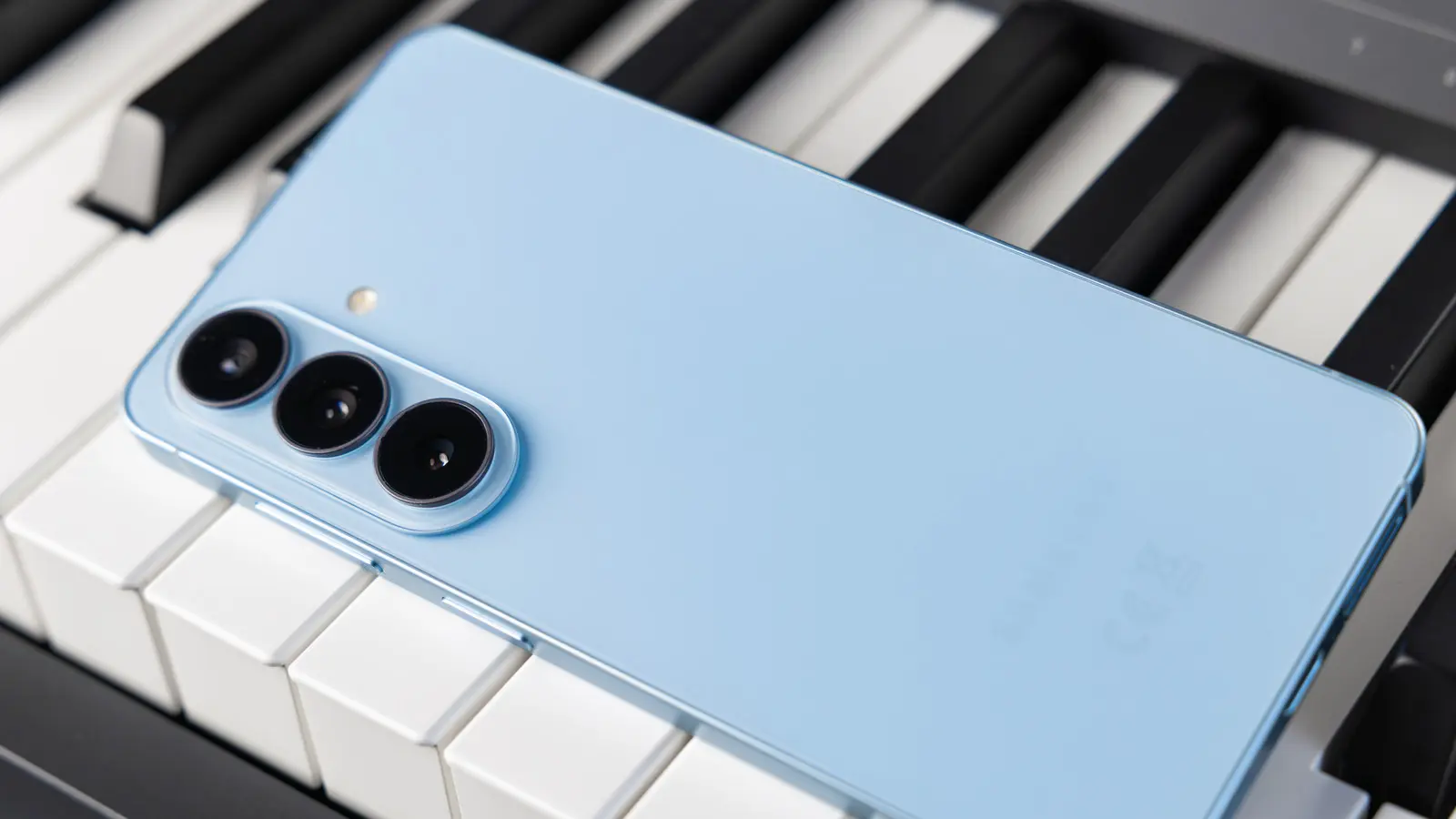
Google’s Pixel phones may represent Android in its purest form for some enthusiasts, but Samsung’s Galaxy family has arguably become the face of the Android ecosystem. Choosing a Samsung smartphone means buying into a rich software experience, premium hardware, and years of software support. However, the accessories included in the box now are minimal: no case, no screen protector, not even a wall charger. Samsung would happily sell you first-party accessories, but those are often not the best value. That is why many users turn to Anker, a brand known for dependable smartphone accessories at reasonable prices.
Whether you need faster charging, extra ports for desktop productivity, or a more convenient way to power up at night, Anker has a product that can make your Galaxy phone easier to live with. These five accessories cover essential needs without overspending.
Anker 715 Charger
Charging is the first thing most new phone owners want to solve. Older wall adapters may work with a Samsung phone, but they often cannot deliver the speeds supported by modern Galaxy devices. Samsung also includes a USB-C to USB-C cable in the retail box, so legacy chargers with USB-A ports may require an additional cable or adapter. The Anker 715 Charger, also called the Nano II 65W, is a compact GaN charger priced at $30.
Despite its small size, the charger offers one USB-C port and can output up to 65W. That means it is not limited to a Galaxy smartphone; it can also charge wireless earbuds, tablets, or even a laptop. For Samsung owners, the extra power allows a compatible phone to pull in a much faster charge than a traditional 15W or 18W adapter. Anker does not officially list Super Fast Charging 2.0 support for this charger, but buyer reports suggest it can work with Samsung’s newer Super Fast Charging 3.0 protocol. If you happen to own a Galaxy S26 Ultra, the Anker 715 can take advantage of charging speeds up to 60W.
One port may be enough for a daily carry, but users with multiple devices might prefer one of Anker’s multi-port chargers. The Nano II family includes versions with two USB-C ports, and Anker also sells larger desktop chargers that can top up a phone, tablet, and smartwatch at the same time. If you purchase the 715 Charger, make sure the USB-C cord you use supports fast charging and can handle the same current demands as your Samsung handset.
Anker Nano Power Bank
When an outlet is not nearby, a power bank is the next best solution. Anker’s catalog includes everything from small batteries for phones to high-capacity units built for laptops. The Nano Power Bank is designed for portability, and it tries to make mobile charging as effortless as possible.
This 5,000 mAh power bank has a built-in USB-C connector, so it plugs directly into your phone without a cable. It is roughly the same width as a modern smartphone, and its compact form makes it practical to hold while the phone is still in use. The power bank can deliver up to 22.5W, which is enough to provide a meaningful top-up during a busy day. A 5,000 mAh capacity will not fully recharge most flagship Galaxy phones, since those batteries often have a similar capacity before cable and conversion losses, but it can supply enough charge to keep the phone running for several extra hours.
The Nano Power Bank is not restricted to Samsung devices. It can be used with most Android and iOS phones as long as the built-in USB-C connector can plug in cleanly. Thick phone cases may get in the way, so users may need to remove the case or use a separate cable for pass-through charging. The power bank also has an additional USB-C port, allowing you to connect another device when necessary. It costs $27 and is available in several pastel colors.
Anker USB-C Hub
Smartphones have become powerful enough to handle many tasks that used to require a laptop. Samsung’s high-end Galaxy devices can run demanding games, edit video, handle files, and support desktop-style productivity through Samsung DeX. But a phone has only one USB-C port, which makes it difficult to connect a monitor, mouse, keyboard, and storage drives at the same time.
The Anker USB-C Hub solves that problem by expanding a single USB-C connection into multiple ports. On the hub, you get two USB-A data ports, one USB-C data port, and a USB-C Power Delivery input. There is also a full-size HDMI output and slots for SD and microSD cards. At $26, it is an affordable way to turn a Galaxy phone or tablet into the center of a compact workstation.
Using a hub with Android requires no special setup in most cases. Connect a mouse and keyboard, and the phone will recognize them quickly. Plug in an external monitor through HDMI, and you can use Samsung DeX to get a desktop-like interface. If you connect storage, the phone can access photos, documents, and media files from the card or drive. Pass-through charging is also supported, so the phone can stay charged while it powers several peripherals. This makes the hub useful not only for office work but also for mobile content creators who need to back up photos or preview footage on an external display.
Anker 313 Wireless Charger
Samsung has included wireless charging in its phones for years, and current Galaxy S models, along with many of the company’s foldables, continue to support it. Wired charging is usually faster, but a wireless charging pad is more convenient for overnight charging or keeping a phone topped off on a desk. The Anker 313 Wireless Charger is a straightforward option that costs $25.49, undercutting Samsung’s own wireless pads by a noticeable margin.
The 313 is a stand-style charger that can deliver up to 10W to compatible Samsung phones. Because the phone rests at an angle, the screen remains visible, making it easy to use facial recognition, follow video calls, or watch content while charging. Anker also sells a pad version of the 313 if you prefer laying the phone flat. The pad model can accommodate true wireless earbuds, which is often difficult with vertical stands.
One important compatibility note involves Qi2 and magnetic accessories. Samsung’s Galaxy S25 and S26 series support Qi2 wireless charging but do not include built-in magnets for MagSafe-style accessories. That means many magnetic chargers and wallets will not attach directly to the phone unless you use a case with a magnetic ring. The Anker 313 Wireless Charger does not rely on magnets, so it will work normally with standard Samsung phones, but phone placement still matters. Align the charging coil properly for the best results.
Soundcore Space One Pro
Some might argue that headphones are not strictly a smartphone accessory, but for many users they are an essential companion for media, calls, and gaming. Samsung sells true wireless earbuds, but it does not currently offer its own over-ear ANC headphone lineup. That leaves room for brands like Anker’s audio subsidiary Soundcore, which makes headphones and earbuds across many price points. The Soundcore Space One Pro headphone is one of the more interesting options for Galaxy owners who want a premium listening experience.
Priced at $200, the Space One Pro features triple-composite drivers and a total of six microphones. The microphone array powers what Soundcore describes as a jet noise silenced active noise cancellation experience. The ANC is designed to reduce the steady, low-frequency noise you might encounter on airplanes, trains, or busy offices. Battery life is also a strong selling point: up to 40 hours with ANC enabled and up to 60 hours with ANC off. A foldable design helps with portability, and Bluetooth multipoint lets the headphones connect to two devices at the same time.
The companion Soundcore app provides a custom EQ, audio tests, and firmware updates. For Galaxy users, one of the most useful features is support for LDAC, a high-resolution wireless audio standard supported by many recent Samsung phones. LDAC remains a lossy codec, but it is capable of carrying more audio data than AAC or SBC, so it supports transmission up to 24-bit/96kHz. That level of detail is well above CD quality, making the Space One Pro a solid match for Samsung users who stream high-resolution music.
Source: SlashGear News