

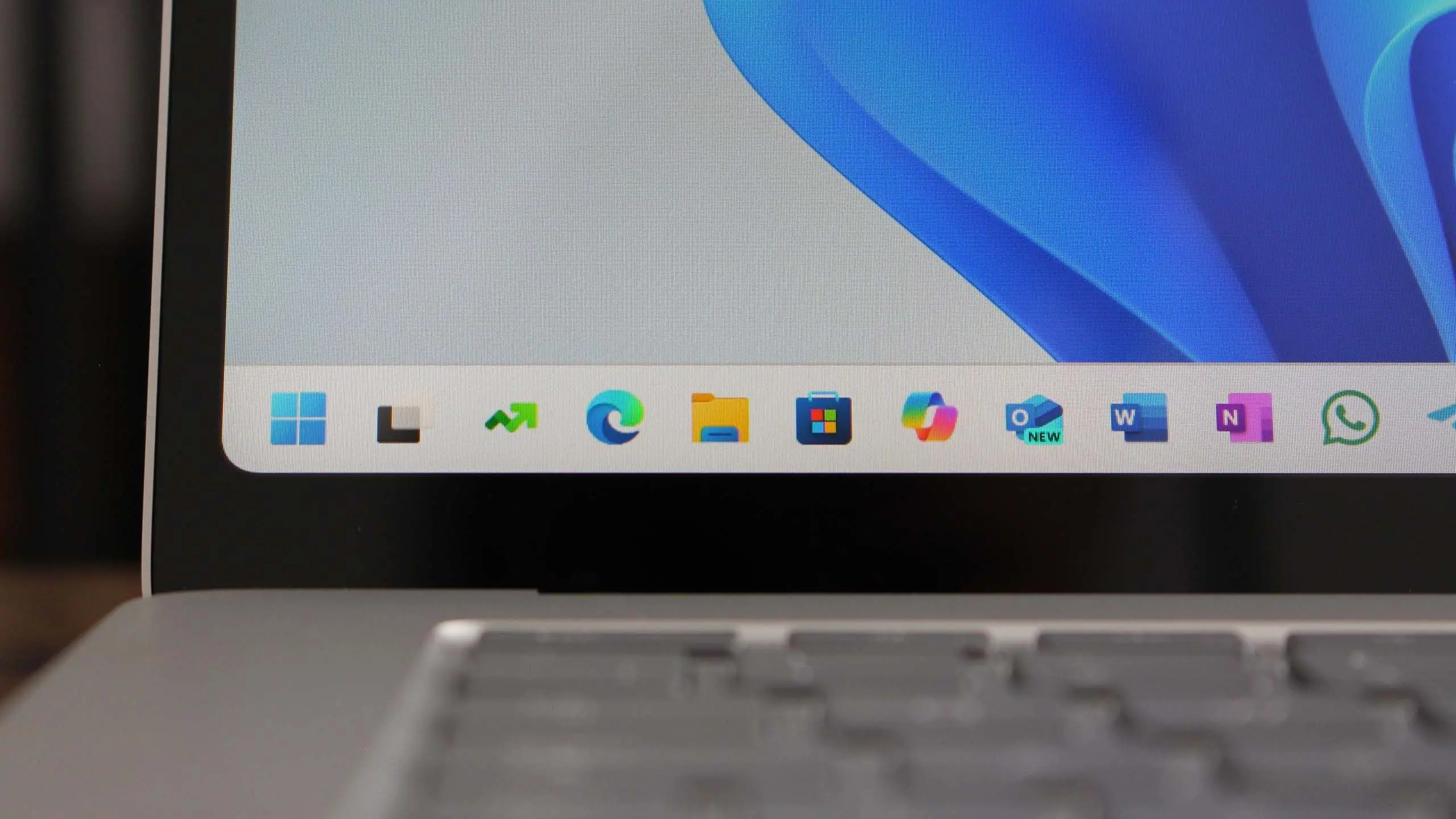
Introduction to Windows 11 version 25H2
Microsoft is gearing up for its next major feature update for Windows 11, designated version 25H2. Slated for release in the second half of 2025, this update is expected to build upon the foundation laid by version 24H2 and introduce a range of new capabilities, particularly around artificial intelligence, security, and productivity. While the official feature list has not been finalized, leaks and Insider builds offer a glimpse into what users can expect.
Release Timeline and Update Strategy
Microsoft typically follows a yearly feature update cycle, with major releases in the fall. Windows 11 version 25H2 is likely to begin rolling out to the general public in October or November 2025. The company will first test the update through the Windows Insider Program, with Dev and Beta channels receiving early builds in early 2025. A Release Preview channel build will follow a few weeks before the final public launch. As with previous versions, 25H2 will be delivered via Windows Update, and users of Windows 11 24H2 may experience a relatively smooth transition, though system requirements could see minor adjustments.
Key Features and Enhancements
AI-Powered Copilot Evolution
One of the most anticipated aspects of 25H2 is the deeper integration of Microsoft Copilot. Building on the AI assistant introduced in 2023, version 25H2 is expected to embed Copilot more tightly into the operating system. Users may see Copilot become a system-level agent that can control settings, manage files, and even automate complex workflows. For example, you might ask Copilot to 'organize my desktop by project' or 'summarize recent emails and create a task list'. This would represent a shift from a simple chat interface to a proactive assistant that learns user habits.
Windows 365 and Cloud PC Integration
Another rumored feature is enhanced Windows 365 integration, allowing users to stream their personal Windows desktop from the cloud to any device. This could be particularly useful for businesses and power users who need a consistent environment across multiple machines. Version 25H2 may introduce seamless switching between local and cloud-based instances, along with improved file syncing and offline capabilities.
Security and Privacy Improvements
Security remains a top priority for Microsoft. Windows 11 25H2 is expected to introduce additional protections against phishing and credential theft. The built-in Microsoft Defender SmartScreen may gain AI-enhanced detection of malicious websites and files. Furthermore, the update could enforce stricter hardware requirements, such as mandatory TPM 2.0 and Secure Boot, even for existing installations. Privacy settings might also be simplified, giving users clearer controls over telemetry and app permissions.
User Interface Refinements
The UI of Windows 11 has seen steady improvements since its launch, and 25H2 will likely continue that trend. Potential changes include a modernized File Explorer with tabs, a new gallery view, and better integration with OneDrive. The taskbar may gain new customization options, such as the ability to move the taskbar to the top or left side (a feature requested since Windows 11's debut). Widgets could become more interactive, allowing for resizable panels and real-time updates without opening full apps.
Performance and Battery Life
Under the hood, Microsoft is expected to optimize power management for both Intel and AMD processors. The update may introduce 'Energy Saver' modes that extend battery life on laptops and tablets. Additionally, the new 'Power Throttling' mechanism could reduce background activity for apps that aren't in focus. For gaming, DirectStorage and Auto HDR are likely to receive updates, reducing load times and improving visual quality.
System Requirements and Compatibility
Windows 11 version 25H2 will almost certainly retain the same hardware requirements as previous versions: a 64-bit processor with at least 1 GHz and 2 cores, 4 GB of RAM, 64 GB of storage, UEFI with Secure Boot, and TPM 2.0. However, some older CPUs may be dropped from the supported list, particularly those without certain instruction sets (like POPCNT or SSE4.2) that become mandatory for new security features. Microsoft may also begin requiring DirectX 12 Ultimate compatible GPUs for certain graphical enhancements.
Users running Windows 11 24H2 will be eligible for a free upgrade to 25H2 via Windows Update. Windows 10 users can still upgrade for free, though the offer may end after October 2025 when Windows 10 reaches end of support. Compatibility with existing software and peripherals is expected to be high, but users should check with hardware vendors for driver updates.
How to Get Early Access
If you want to try Windows 11 version 25H2 before its public release, you can join the Windows Insider Program. Microsoft offers several channels: Dev (most experimental, may have bugs), Beta (more stable, features close to final), and Release Preview (almost final). To enroll, go to Settings > Windows Update > Windows Insider Program and link your Microsoft account. Once enrolled, you can choose the channel that suits your risk tolerance. Be aware that Insider builds may contain bugs and are not recommended for primary work machines.
Microsoft typically releases early builds for version 25H2 in early 2025, so keep an eye on the Windows Blog for announcements. Insider builds often include features that are later removed or refined, so the final version may differ.
What About Windows 12?
Rumors of a 'Windows 12' have circulated for years, but Microsoft appears committed to evolving Windows 11 iteratively. Version 25H2 is not a new OS but a feature update for Windows 11. That said, the changes could be substantial enough that some users might perceive it as a generational leap. The company has indicated that Windows 11 will receive major updates annually, and a brand-new version is not expected until at least 2027.
Preparing for the Update
To ensure a smooth upgrade to 25H2, users should keep their current system up to date with the latest patches. It's also wise to back up important files before any major OS update. If you have custom hardware or software, verify compatibility with the new version once it becomes available. Businesses should pilot the update in a test environment before broad deployment.
Windows 11 version 25H2 represents Microsoft's continued investment in making Windows a modern, AI-enhanced platform. With a focus on productivity, security, and user experience, this update is poised to be one of the most significant yet for Windows 11. Stay tuned for more details as the release date approaches.
Source: Windows Central News