

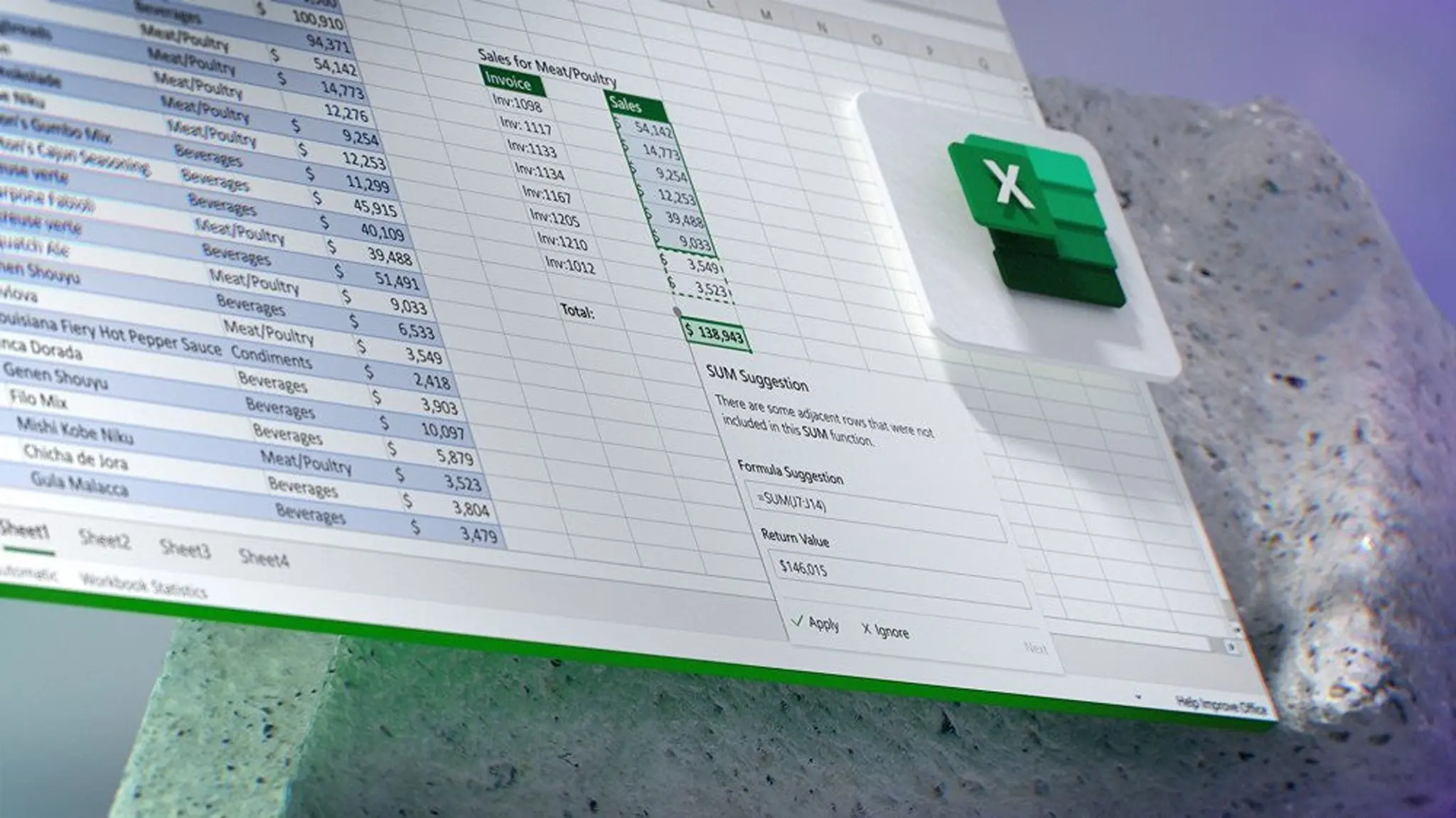
Microsoft has once again ignited user fury with its aggressive push of artificial intelligence into its products. The latest target of criticism is Excel, where a newly added Copilot button has been described as an "atrocious implementation" by users who find it intrusive, unremovable, and disruptive to their workflow. The button, which sits prominently in the spreadsheet interface, is designed to offer AI-powered assistance for data analysis, formula suggestions, and chart creation. However, its persistent presence—without an official toggle to disable or remove it—has turned what could be a useful tool into a source of widespread irritation.
What is the Copilot button and why is it controversial?
Microsoft Copilot, powered by OpenAI's GPT models, was introduced as a general AI assistant across the Microsoft 365 suite, including Word, Excel, PowerPoint, and Teams. In Excel, the Copilot button appears near the formula bar, offering suggestions and automating tasks. While the feature itself has received some praise for its ability to simplify complex data operations, the forced placement and lack of an opt-out mechanism have drawn sharp criticism. Users have taken to social media, forums, and feedback hubs to express their displeasure, with many calling the implementation "atrocious" and accusing Microsoft of treating paying customers as beta testers.
The controversy centers on three main issues: the button takes up valuable screen real estate, it cannot be easily turned off, and it sometimes activates or suggests actions automatically. Power users, who have long customized their Excel environment for maximum efficiency, complain that the unremovable button adds clutter and interferes with their established workflows. Even for less advanced users, the constant presence of an AI assistant can be distracting, especially when they are already familiar with manual methods.
Historical context: Microsoft's pattern of forced features
This is not the first time Microsoft has drawn backlash for injecting unavoidable features into its software. Earlier examples include Clippy, the animated paperclip assistant in Office 97–2003, which became a pop-culture symbol of annoying software. More recently, Cortana in Windows 10 and the Edge browser prompts have generated similar user resentment. Copilot's forced integration fits this pattern—a larger strategic push by Microsoft to embed AI into every corner of its ecosystem, often at the cost of user choice.
The company's rationale is clear: AI is the future of productivity, and users must be exposed to it to understand its potential. However, critics argue that forcing the feature on all users, including those who have no interest in AI or who work in sensitive environments where AI data processing is not allowed, is a misstep. The unremovable nature of the button also raises questions about Microsoft's commitment to user customization—a hallmark of the traditional software experience.
User reactions and workarounds
The outcry has led to a flurry of activity on platforms like Reddit, Microsoft's own Feedback portal, and tech news sites. One user described the Copilot button as "clunky, slow, and completely out of touch with what Excel power users need." Another complained, "I didn't ask for this. I just want to work with my numbers without an AI peering over my shoulder." Some have attempted to remove the button through registry edits or group policies, but these workarounds are complex, unsupported, and often broken by updates. A few users have even threatened to switch to alternative spreadsheet software like Google Sheets or LibreOffice, citing the loss of control over their computing environment.
Despite the backlash, a subset of users find the Copilot button helpful. For beginners or those working with large datasets, the AI can speed up tasks like generating pivot tables, cleaning data, or writing complex formulas. Microsoft has promoted these benefits, but the overall sentiment remains negative due to the implementation method. The company has not yet responded to the criticism with a formal statement or a plan to allow removal.
Technical and privacy concerns
Beyond the interface annoyance, there are deeper concerns about privacy and data security. Copilot, like many cloud-based AI services, sends data to Microsoft's servers for processing. For organizations handling sensitive financial, medical, or legal data, this is a potential compliance risk. The unremovable button implies that Microsoft intends to keep the AI service available by default, potentially exposing users to data transmission they may not have consented to. IT administrators have expressed frustration that they cannot easily disable the feature across their enterprise, leading to extra work in managing updates and user expectations.
Microsoft's documentation suggests that Copilot respects data governance standards and that users can turn off specific AI features in settings. However, the button itself remains visual even if the AI is deactivated. This persistent UI element, some argue, is a form of dark pattern—a design that pushes users toward a feature they may not want.
The bigger picture: AI integration in productivity software
The Excel Copilot controversy is a microcosm of a larger industry trend. Software companies are racing to integrate generative AI into their products, often prioritizing speed over user experience. Apple, Google, and Adobe have all introduced AI features that are sometimes on by default or difficult to disable. Microsoft's approach, however, has been particularly aggressive, which has earned it a reputation for prioritizing corporate strategy over customer satisfaction.
For Excel specifically, the Copilot button also competes with existing tools. Many advanced users rely on third-party add-ins, VBA macros, or manual formulas. The AI assistant can sometimes misunderstand context or suggest suboptimal solutions, leading to errors. The risk of relying too heavily on AI for data analysis is another concern: users may lose skills or accept incorrect outputs without verification. These are valid points that Microsoft must address if it wants to win over skeptics.
The situation also highlights the tension between innovation and usability. Microsoft believes that by making AI ubiquitous, it will accelerate adoption and improve productivity. Users, on the other hand, want choice—the ability to adopt new features at their own pace, or to opt out entirely. The Excel Copilot button has become a flashpoint in this debate, symbolizing how even powerful technology can fail if it is not introduced with respect for the user.
As of now, no official change has been announced. Users continue to voice their opinions, and Microsoft is likely monitoring the feedback. The company may eventually add an option to hide the button, but the damage to user trust may take longer to repair. For those who rely on Excel daily, the hope is that future updates will listen to their complaints and give back the control they feel has been taken away.
Source: Windows Central News